
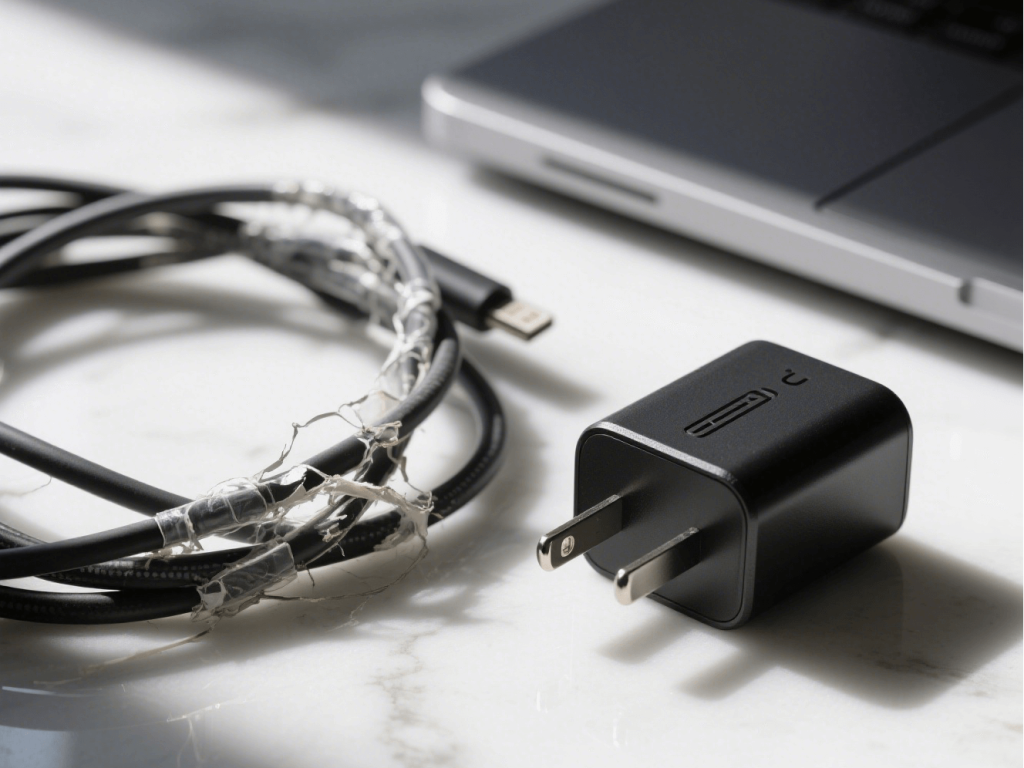
Your laptop is your digital assistant, and the power adapter (commonly known as a “charger”) is its lifeline. When your original charger unfortunately gets damaged or lost, selecting a suitable Replacement Power Adapter becomes crucial. This article will guide you through the importance of original chargers and provide a comprehensive guide to choosing a replacement power adapter, ensuring safe and efficient power for your beloved device.
Why is the Original Charger So Important? Establishing User Recognition of Originals
We often hear the advice, “It’s best to use the original charger,” and this isn’t without good reason. The importance of an original charger lies in the highest standards and most precise matching it represents for your laptop’s hardware.
Original Charger’s High Standards and Precise Matching:
- Precise Voltage and Current Matching: Your laptop’s internal circuitry and battery system have extremely precise requirements for input voltage and current. The voltage (V) and current (A) output by the original charger are customized according to the laptop’s specific design, ensuring stable and efficient power delivery. Even minor deviations can affect the laptop’s normal operation.
- The Importance of Wattage: Wattage (W) is the key metric for measuring a charger’s output capacity. It represents the product of voltage and current (W = V x A). The wattage of the original charger is meticulously calculated to meet the laptop’s power needs under various operating conditions. Using a charger with insufficient wattage will lead to slow charging or even the inability to charge properly. While a charger with higher wattage isn’t as immediately dangerous as one with lower wattage (assuming good internal regulation), it could theoretically place unnecessary strain on certain components if not well-matched. More commonly, an underrated charger will simply overheat due to overload.
- Customized Interfaces and Data Transmission: Many laptop charging ports not only supply power but can also integrate data transmission functions (e.g., certain USB-C ports). The design of original interfaces ensures not only a secure physical connection, guaranteeing reliable charging, but also smooth data transfer. Non-original interfaces may suffer from poor contact or be unable to transmit data at all.
- Internal Circuit Design and Protection: Original chargers are equipped with multiple built-in protection circuits, such as over-voltage protection (to prevent high voltage from damaging hardware), over-current protection (to prevent excessive current from burning out components), short-circuit protection (to prevent hazards from accidental shorts), and over-temperature protection (to prevent the charger itself from overheating and impacting the device). These protection mechanisms are the first line of defense for your laptop’s hardware safety.
- Communication Protocol Recognition and Compatibility: Many laptops, especially from premium brands, utilize specific communication protocols to identify chargers. Examples include Apple’s MagSafe interface or proprietary identification chips from certain manufacturers. These protocols ensure that only certified original chargers are recognized and can charge the laptop normally. Non-original products may not meet these communication requirements, leading to abnormal charging or complete charging failure.
Serious Consequences of Using Improper Substitutes:
Ignoring the advantages of original chargers and carelessly using inferior or incompatible substitutes can bring unexpected “surprises” to your laptop – and they are usually negative:
- Damage to the Laptop Motherboard: Unstable voltage and current, or the absence of crucial protection mechanisms, are the most common causes of instantly burning out the delicate electronic components on your laptop’s motherboard.
- Reduced Battery Lifespan or Damage: Mismatched charging schemes (such as overcharging or over-discharging) can significantly accelerate the aging process of lithium batteries, leading to rapid capacity degradation and, in extreme cases, battery swelling or safety issues.
- Overheating Issues and Safety Hazards: Inferior materials and design in chargers, or the prolonged operation of an overloaded charger due to wattage mismatch, can cause abnormal temperature increases in the charger itself or specific areas of the laptop, posing serious safety risks such as fire or burns.
- Low Charging Efficiency or Complete Charging Failure: Even if no immediate damage occurs, an incompatible adapter can lead to extremely slow charging speeds or complete non-recognition, severely impacting your work and user experience.
- Data Loss or Corruption: If the substitute charger also incorporates data transmission functions (like some USB-C ports), a low-quality product may cause unstable data transfers, leading to data loss or corruption.
- Potential Safety Risks: Inferior power adapters may use substandard raw materials, lack necessary safety certifications, and pose risks of electric shock, short circuits, or even fire, endangering personal safety and property.
How to Choose a Reliable Replacement Power Adapter? Providing Solutions
Now that you understand the importance of original chargers, how should you proceed when you need to replace yours? The key lies in “precise matching” and “quality assurance.”
Defining “Similar”: Key Parameter Comparison is Crucial
When choosing a Replacement Power Adapter, the most critical task is to carefully compare the following parameters and ensure they match your original charger’s information precisely or meet safety requirements.
- Voltage (V):This is the most critical parameter! The voltage value must be exactly the same, with no room for variation. For example, if your original charger is 19V, your replacement adapter must also be 19V. Mismatched voltage can instantly damage your laptop.
- Current (Amperage, A):
- It is recommended to choose an adapter with a current rating equal to or greater than the original.
- Explanation: Your laptop will only “draw” the precise amount of current it needs from the power adapter; the adapter itself won’t forcibly output excess current. Therefore, selecting a Replacement Power Adapter with a current rating equal to or higher than the original is safe. For instance, if the original is 3.42A, choosing a 4A adapter is perfectly fine.
- Key Point: Never choose an adapter with a lower current rating than the original. If the adapter’s current output capability is less than your laptop’s requirement, the adapter will overheat and be damaged due to overload, or the charging speed will be extremely slow, potentially failing to meet the laptop’s power demands during high-load operations.
- Wattage (W):
- Wattage is the product of voltage and current (W = V x A).
- Similarly, choosing an adapter with wattage equal to or greater than the original is safe and recommended. This logic is consistent with the current requirement.
- How to Calculate? If you see your original charger’s voltage (e.g., 19V) and current (e.g., 3.42A) listed, you can easily calculate the wattage: 19V * 3.42A ≈ 65W. Opting for a replacement adapter rated at 65W or higher (while also matching voltage and current) is a wise choice.
- Connector Type and Size:
- Physical compatibility is paramount. Laptop charging ports come in various types, most commonly round DC Jack connectors and the universal USB-C/Thunderbolt interface.
- DC Jack Connectors: These connectors not only differ in shape but also require precise dimensions (e.g., outer and inner diameter). Even if the shapes appear similar, a slight deviation in size can prevent insertion or lead to poor contact. It’s advisable to carefully observe the style of your original connector or measure its dimensions and compare them against the detailed specifications of the Replacement Power Adapter. You can also search for “laptop charging port size chart” as a reference.
- USB-C/Thunderbolt Connectors: This interface is more universal. However, it’s important to note that not all USB-C ports support charging at the same power levels. Ensure that the USB-C Replacement Power Adapter you choose explicitly supports the PD (Power Delivery) charging protocol and wattage required by your laptop.
- Brand and Origin:
- Why choose reputable brands and legitimate manufacturers like our company for replacement adapters? Leading brands and manufacturers with good reputations typically adhere to stricter research and development standards, manufacturing processes, and quality control systems. This means their products offer greater assurance in terms of design, safety, and durability. We are committed to providing high-quality Replacement Power Adapters to ensure every charge is safe and reliable.
Additional Factors for Consideration:
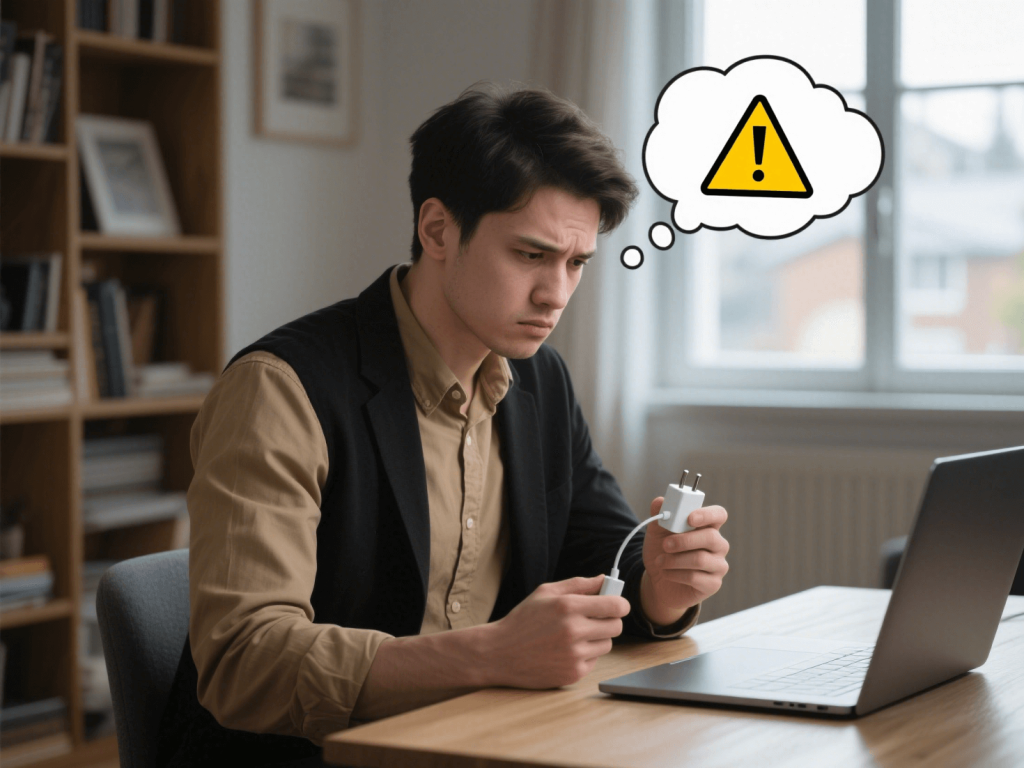
Beyond the core parameters, the following factors can help you make a more informed decision:
- Brand Reputation and User Reviews: Before purchasing, take some time to research the brand’s industry standing and genuine reviews from other users.
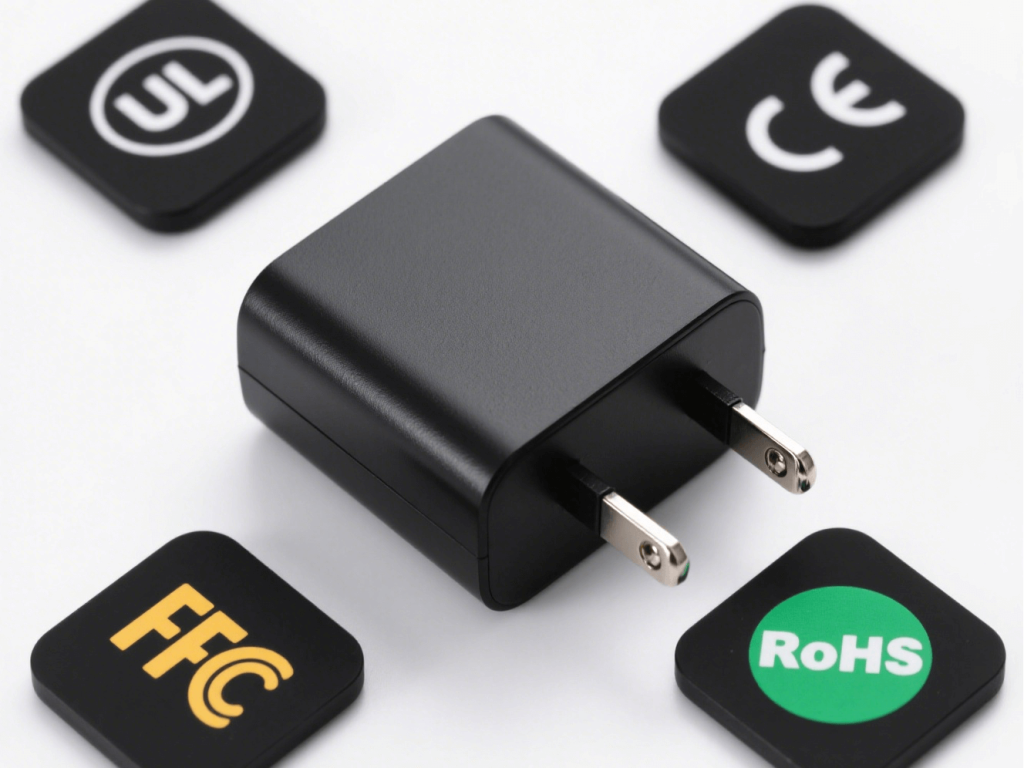
- Focus on Safety Certifications: This is a vital indicator of an adapter’s safety. Look for common international safety certification marks on the product:
- UL (Underwriters Laboratories): One of the most important safety certifications in North America.
- CE (Conformité Européenne): The European Union’s product safety mark.
- FCC (Federal Communications Commission): U.S. Federal Communications Commission certification, primarily for electromagnetic interference.
- RoHS (Restriction of Hazardous Substances): European Union directive restricting the use of hazardous substances.
- Products bearing these certifications have typically undergone rigorous third-party testing, offering greater assurance of quality and safety. You can detail these certifications in the next blog post.
- Warranty Policy: Legitimate manufacturers usually offer a warranty period for their products, which is a commitment to product quality. Understanding the warranty duration and terms can provide peace of mind.
- Cable Quality: The cable connecting to your laptop and the main power cord are equally important. High-quality cables should be made of wear-resistant, insulating materials with appropriately sized conductors. They should withstand long-term bending and use to ensure electrical safety and transmission efficiency.
Post-Purchase Precautions and Testing
After carefully selecting and purchasing your Replacement Power Adapter, there are a few details to pay attention to during initial use and regular operation to ensure optimal performance and safety.
Checks During First-Time Use:
- Ensure a Secure Connector Fit: When plugging the adapter into your laptop’s port, it should feel smooth and connect firmly without any looseness.
- Observe for Abnormal Heat in the Charger and Laptop: After starting to charge and during operation for a while, lightly touch the adapter and the area around the laptop’s charging port. It should only feel warm, not hot to the touch. If you notice any unusual heat, stop using it immediately.
- Verify the Charging Indicator Light: Most adapters have an indicator light that illuminates during operation. Confirm that the indicator light’s status is as expected.
Observation During Daily Use:
- Regularly Inspect Cables for Wear and Tear: Pay close attention to the areas near the plug and the adapter body. Long-term use can lead to damage to the outer insulation of the cable. If any wear is visible, the cable should be replaced promptly.
- Avoid Use in Humid or High-Temperature Environments: Humidity can cause short circuits, and high temperatures can accelerate the aging of electronic components, both posing safety risks.
- Understand Your Laptop’s Battery Health Management Features: Modern laptops generally come with battery management systems. Familiarizing yourself with these features can help you better maintain your battery’s longevity.
Take Action Now: Choose a Reliable “New Heart” for Your Laptop!
Don’t let inferior or incompatible power adapters threaten your device’s safety and lifespan. Choosing a high-quality Replacement Power Adapter is like injecting strong, stable energy into your digital assistant.
- Visit our product page now and enter your laptop model or browse related adapter series to find the Replacement Power Adapter that perfectly matches your laptop.
- If you are unsure how to choose or have any questions, please feel free to contact our professional technical team. They will provide you with one-on-one selection guidance to ensure you find the most suitable and safest product.